

Więcej o książce
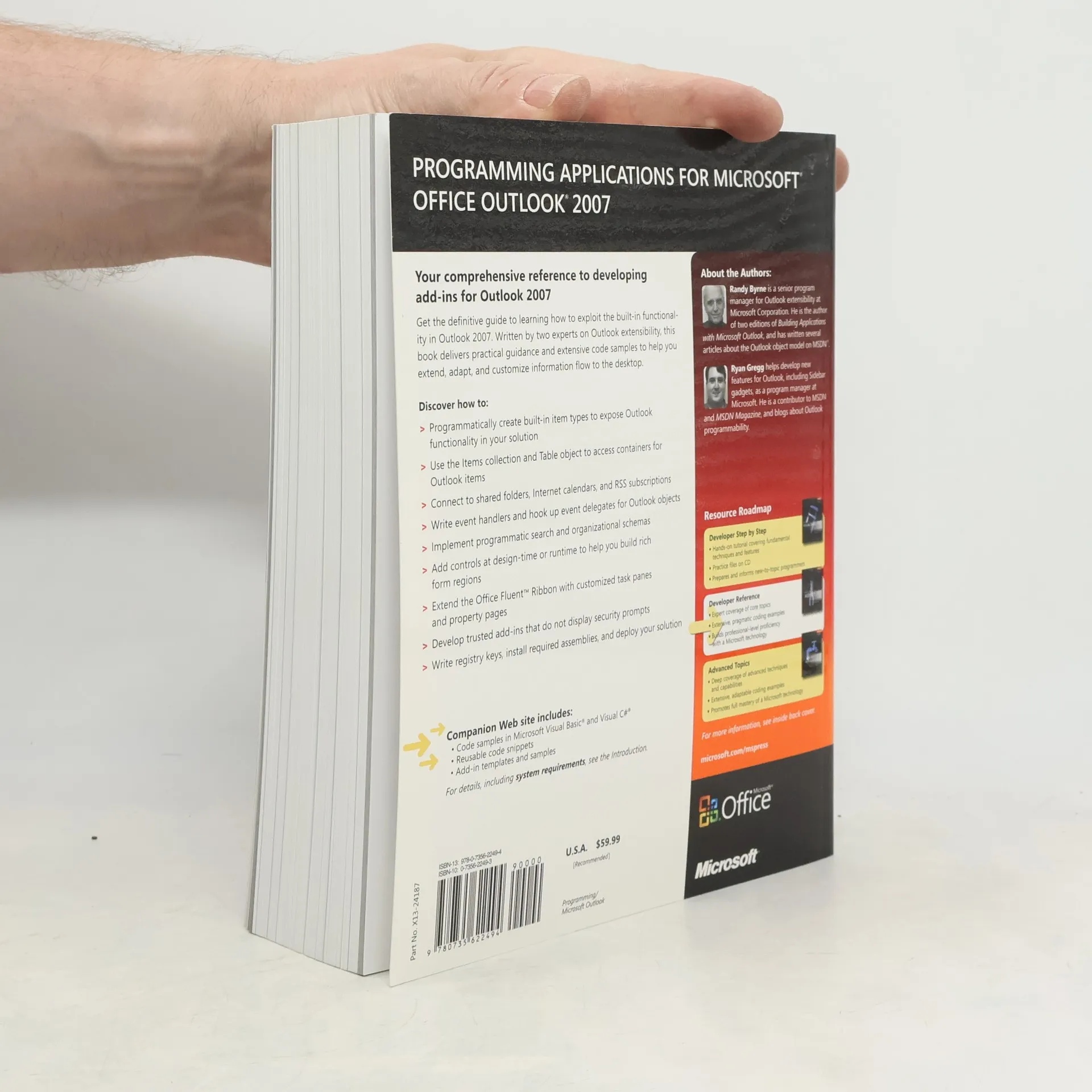
Get the definitive guide to learning how to exploit the built-in functionality in Outlook 2007. Written by two experts on Outlook extensibility, this book delivers practical guidance and extensive code samples to help you extend, adapt, and customize information flow to the desktop. Discover how to: Programmatically create built-in item types to expose Outlook functionality in your solution Use the Items collection and Table object to access containers for Outlook items Connect to shared folders, Internet calendars, and RSS subscriptions Write event handlers and hook up event delegates for Outlook objects Implement programmatic search and organizational schemas Add controls at design-time or runtime to help you build rich form regions Extend the Office Fluent Ribbon with customized task panes and property pages Develop trusted add-ins that do not display security prompts Write registry keys, install required assemblies, and deploy your solution Companion Web site includes: Code samples in Microsoft Visual Basic and Visual C# Reusable code snippets Add-in templates and samples
Zakup książki
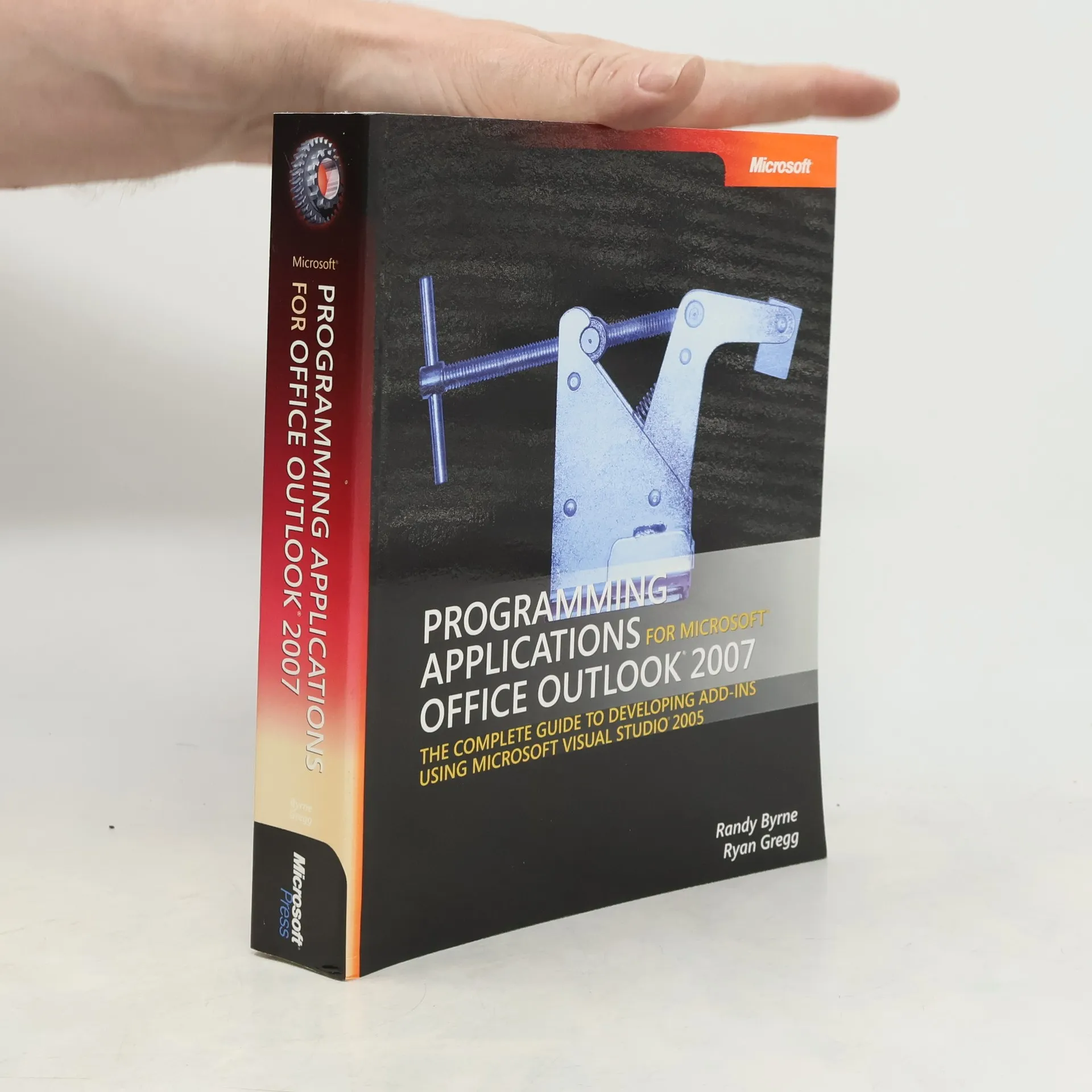
Programming applications for Microsoft Outlook 2007, Randy Byrne, Ryan Gregg
- Język

- Rok wydania
- 2007
- Oprawa
- (miękka),
- Stan książki
- Bardzo dobry
- Cena
- 8,79 zł
Metody płatności
Brakuje nam tutaj Twojej recenzji.
- Tytuł
- Programming applications for Microsoft Outlook 2007
- Język
- angielski
- Autorzy
- Randy Byrne, Ryan Gregg
- Wydawca
- Microsoft Press
- Rok wydania
- 2007
- Oprawa
- miękka
- Liczba stron
- 608
- ISBN10
- 0735622493
- ISBN13
- 9780735622494
- Seria
- Tagi
- Ocena
- 3,2 z 5
- Opis
- Get the definitive guide to learning how to exploit the built-in functionality in Outlook 2007. Written by two experts on Outlook extensibility, this book delivers practical guidance and extensive code samples to help you extend, adapt, and customize information flow to the desktop. Discover how to: Programmatically create built-in item types to expose Outlook functionality in your solution Use the Items collection and Table object to access containers for Outlook items Connect to shared folders, Internet calendars, and RSS subscriptions Write event handlers and hook up event delegates for Outlook objects Implement programmatic search and organizational schemas Add controls at design-time or runtime to help you build rich form regions Extend the Office Fluent Ribbon with customized task panes and property pages Develop trusted add-ins that do not display security prompts Write registry keys, install required assemblies, and deploy your solution Companion Web site includes: Code samples in Microsoft Visual Basic and Visual C# Reusable code snippets Add-in templates and samples