

Więcej o książce
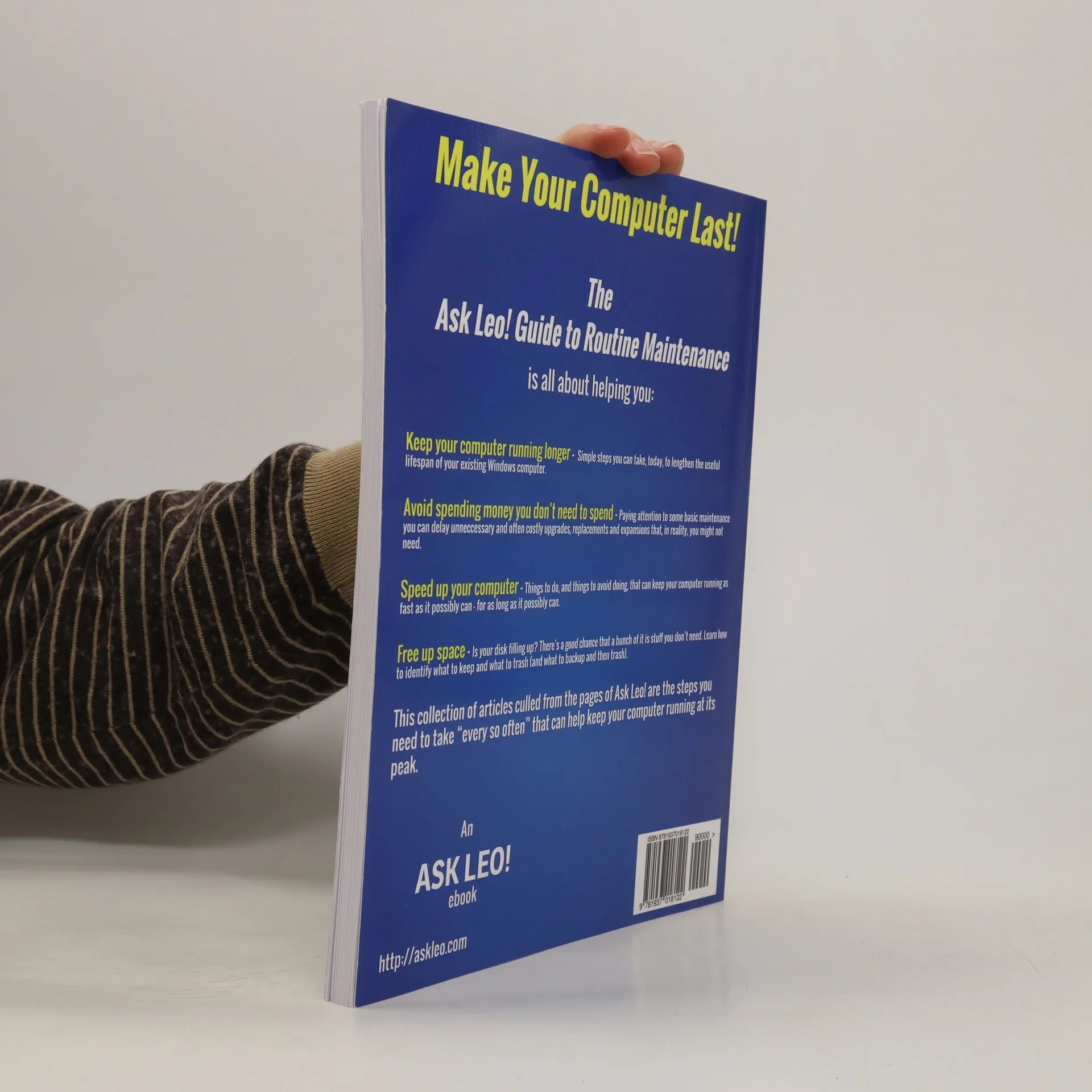
Make Your Computer Last The Ask Leo! Guide to Routine Maintenance is all about helping Keep your computer running longer. There are simple steps you can take, today, to lengthen the useful lifespan of your existing Windows computer. Avoid spending money you don’t need to spend. By paying attention to some basic maintenance you can delay unneccessary and often costly upgrades, replacements and expansions that, in reality, you might not need. Speed up your computer. There are things to do, and things to avoid doing, that can keep your computer running as fast as it possibly can – for as long as it possibly can. Free up space. Is your disk filling up? There’s a good chance that a bunch of it is stuff you don’t need. Learn how to identify what to keep and what to trash (and what to backup and then trash). This collection of articles culled from the pages of Ask Leo! are the steps you need to take “every so often” that can help keep your computer running at its peak.
Zakup książki
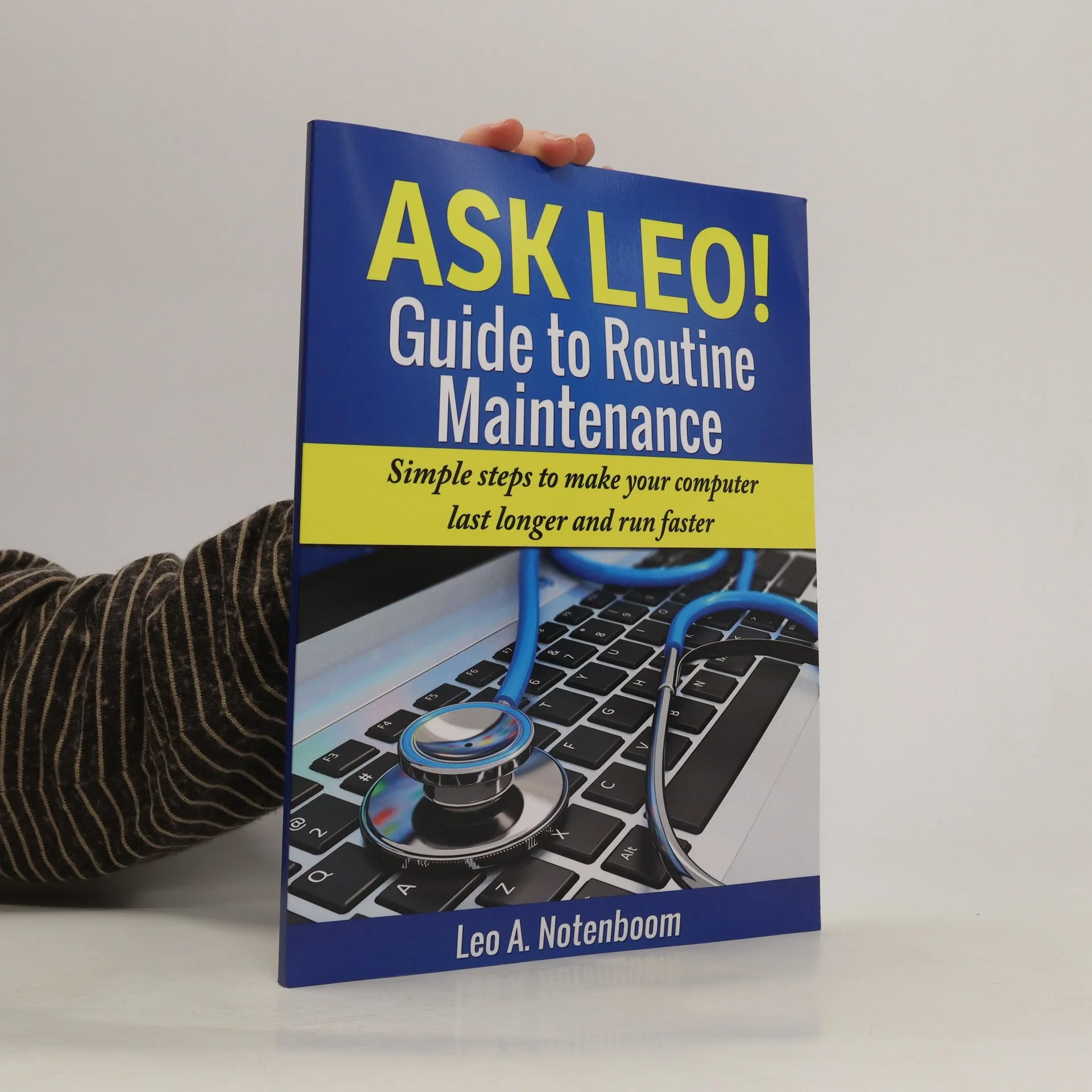
Ask Leo! Guide to Routine Maintenance, Leo A. Notenboom
- Język

- Rok wydania
- 2013
- Oprawa
- (miękka)
Metody płatności
Brakuje nam tutaj Twojej recenzji.
- Tytuł
- Ask Leo! Guide to Routine Maintenance
- Język
- angielski
- Autorzy
- Leo A. Notenboom
- Rok wydania
- 2013
- Oprawa
- miękka
- Liczba stron
- 98
- ISBN10
- 1937018121
- ISBN13
- 9781937018122
- Seria
- Tagi
- Ocena
- 4 z 5
- Opis
- Make Your Computer Last The Ask Leo! Guide to Routine Maintenance is all about helping Keep your computer running longer. There are simple steps you can take, today, to lengthen the useful lifespan of your existing Windows computer. Avoid spending money you don’t need to spend. By paying attention to some basic maintenance you can delay unneccessary and often costly upgrades, replacements and expansions that, in reality, you might not need. Speed up your computer. There are things to do, and things to avoid doing, that can keep your computer running as fast as it possibly can – for as long as it possibly can. Free up space. Is your disk filling up? There’s a good chance that a bunch of it is stuff you don’t need. Learn how to identify what to keep and what to trash (and what to backup and then trash). This collection of articles culled from the pages of Ask Leo! are the steps you need to take “every so often” that can help keep your computer running at its peak.