


Więcej o książce
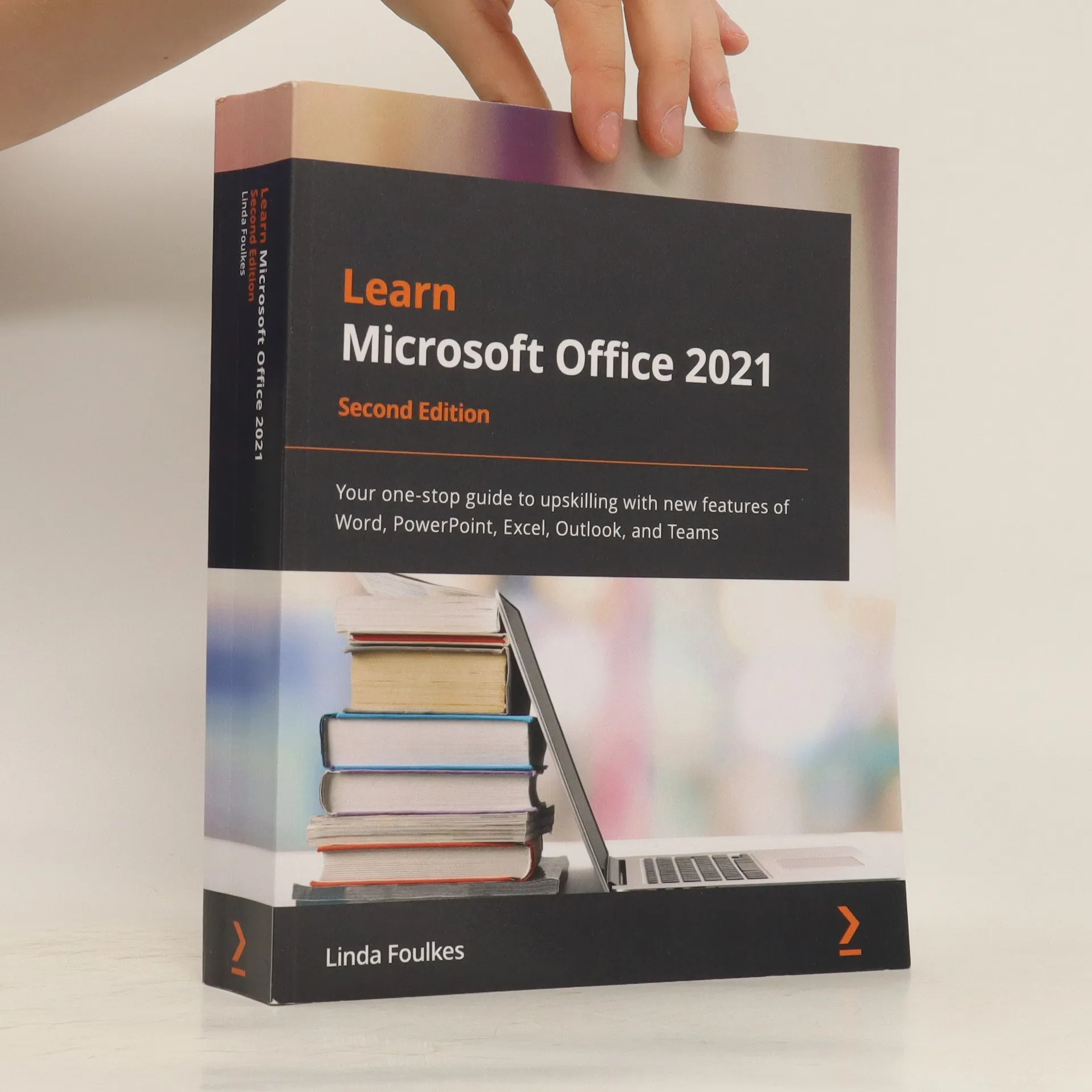
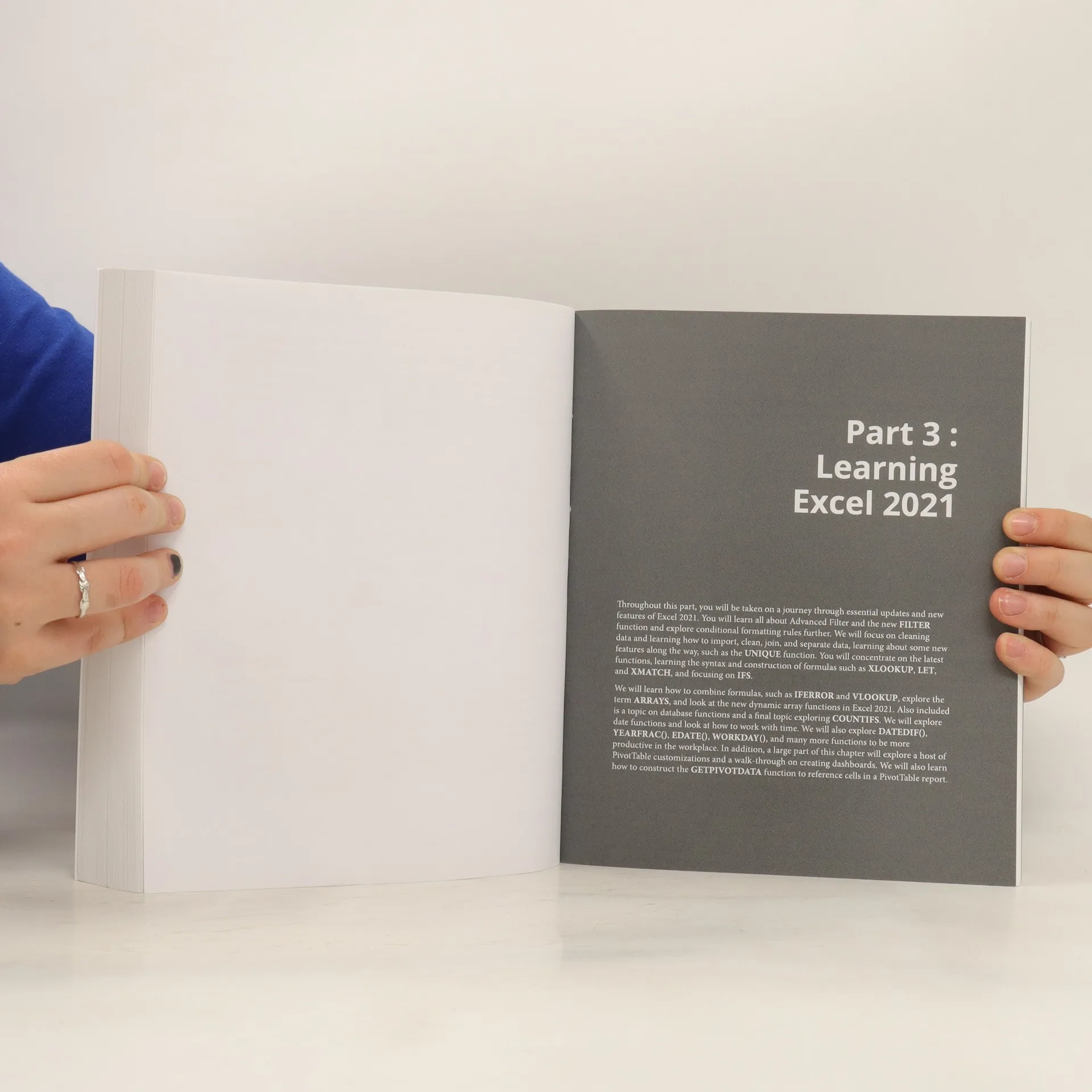
This second edition book covers the new and exciting features of Microsoft Office 2021 for desktop and web apps, helping you broaden the skills from the previous edition. Using real-world experiences, this book will guide you through practical examples that set off your thought process to boost productivity. To build new skills in each application, the book ensures that you gain a thorough understanding of new functions, such as PivotTables, Dashboards, and data manipulation methods in Excel. You'll explore PowerPoint tools such as Presenter Coach, Presenter View, the record tool, and setting reading order to mention a few. You'll also manipulate slide elements using Auto Fix, draw features, insert video captions, explore playback options, and rehearse presentations using the body language Presenter Coach feature. The book demystifies the Transform feature and shows you how to dictate directly in Word. You'll even be able to work with Styles by refining the layout and multiple tables of contents. Finally, you'll focus on making the best use of Outlook enhancements and working remotely using Teams. By the end of this book, you'll have understood the features of each app inside out and enhanced your existing skills using new techniques to make your professional life more efficient
Zakup książki
Learn Microsoft Office 2021, Linda Foulkes
- Język

- Rok wydania
- 2022
- Oprawa
- (miękka)
Metody płatności
Nikt jeszcze nie ocenił.
- Tytuł
- Learn Microsoft Office 2021
- Język
- angielski
- Autorzy
- Linda Foulkes
- Wydawca
- Packt Publishing
- Rok wydania
- 2022
- Oprawa
- miękka
- Liczba stron
- 654
- ISBN10
- 1803239735
- ISBN13
- 9781803239736
- Seria
- Tagi
- Opis
- This second edition book covers the new and exciting features of Microsoft Office 2021 for desktop and web apps, helping you broaden the skills from the previous edition. Using real-world experiences, this book will guide you through practical examples that set off your thought process to boost productivity. To build new skills in each application, the book ensures that you gain a thorough understanding of new functions, such as PivotTables, Dashboards, and data manipulation methods in Excel. You'll explore PowerPoint tools such as Presenter Coach, Presenter View, the record tool, and setting reading order to mention a few. You'll also manipulate slide elements using Auto Fix, draw features, insert video captions, explore playback options, and rehearse presentations using the body language Presenter Coach feature. The book demystifies the Transform feature and shows you how to dictate directly in Word. You'll even be able to work with Styles by refining the layout and multiple tables of contents. Finally, you'll focus on making the best use of Outlook enhancements and working remotely using Teams. By the end of this book, you'll have understood the features of each app inside out and enhanced your existing skills using new techniques to make your professional life more efficient