

Więcej o książce
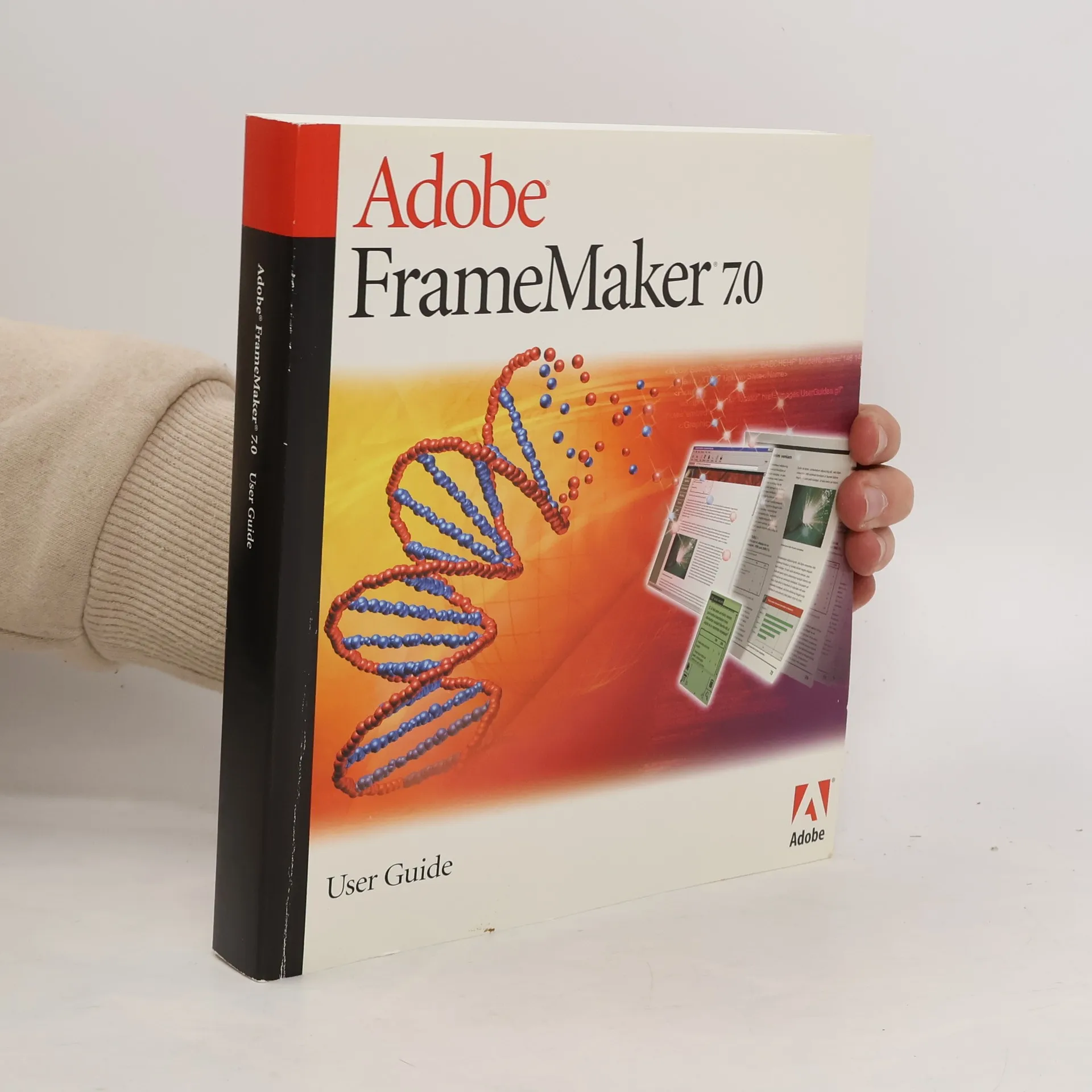
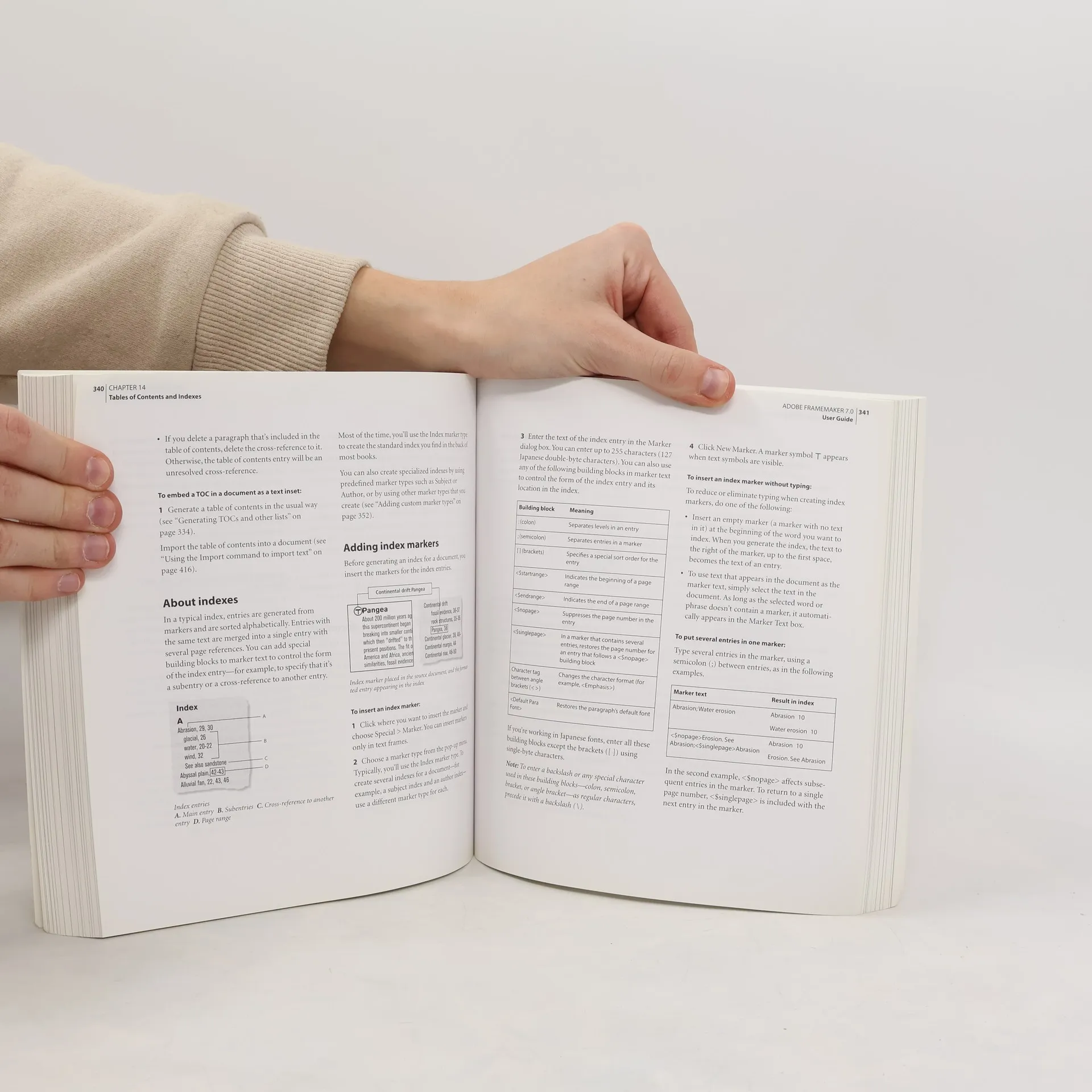
Adobe FrameMaker has long been the software of choice for technical documentation and large-scale document publishing because of its versatility and ability to handle the entire publishing process--from word processing and page layout to electronic distribution. Now, with the introduction of version 7.0, the popular publishing program has gone even further to accommodate businesses' growing need for multi-format publishing by adding the ability to automatically reformat the same document for delivery in a number of formats, including Web pages, Acrobat print files, Palm handheld devices, and more. And that's just the beginning: Adobe's official Classroom in a Book training series guides you through all of the program's features, tools, and techniques--both old and new--using hands-on projects and end-of-chapter review questions to make sure the newly acquired knowledge sticks! If you're a beginner, you'll want to read the book from cover to cover for a start-to-finish explanation of how it all works; all of you FrameMaker experts can skip right to the information you need. From the basics (such as character and paragraph formatting) to more advanced tasks (like cross-referencing text and creating indexes)--Adobe FrameMaker 7.0 Classroom in a Book covers it all.
Zakup książki
Adobe FrameMaker 7.0, Adobe Creative Team, Adobe Systems
- Język

- Rok wydania
- 2003
- Oprawa
- (miękka)
Metody płatności
Brakuje nam tutaj Twojej recenzji.
- Tytuł
- Adobe FrameMaker 7.0
- Język
- angielski
- Autorzy
- Adobe Creative Team, Adobe Systems
- Rok wydania
- 2003
- Oprawa
- miękka
- Liczba stron
- 504
- ISBN10
- 0321131681
- ISBN13
- 9780321131683
- Seria
- Tagi
- Ocena
- 4,35 z 5
- Opis
- Adobe FrameMaker has long been the software of choice for technical documentation and large-scale document publishing because of its versatility and ability to handle the entire publishing process--from word processing and page layout to electronic distribution. Now, with the introduction of version 7.0, the popular publishing program has gone even further to accommodate businesses' growing need for multi-format publishing by adding the ability to automatically reformat the same document for delivery in a number of formats, including Web pages, Acrobat print files, Palm handheld devices, and more. And that's just the beginning: Adobe's official Classroom in a Book training series guides you through all of the program's features, tools, and techniques--both old and new--using hands-on projects and end-of-chapter review questions to make sure the newly acquired knowledge sticks! If you're a beginner, you'll want to read the book from cover to cover for a start-to-finish explanation of how it all works; all of you FrameMaker experts can skip right to the information you need. From the basics (such as character and paragraph formatting) to more advanced tasks (like cross-referencing text and creating indexes)--Adobe FrameMaker 7.0 Classroom in a Book covers it all.