

Więcej o książce
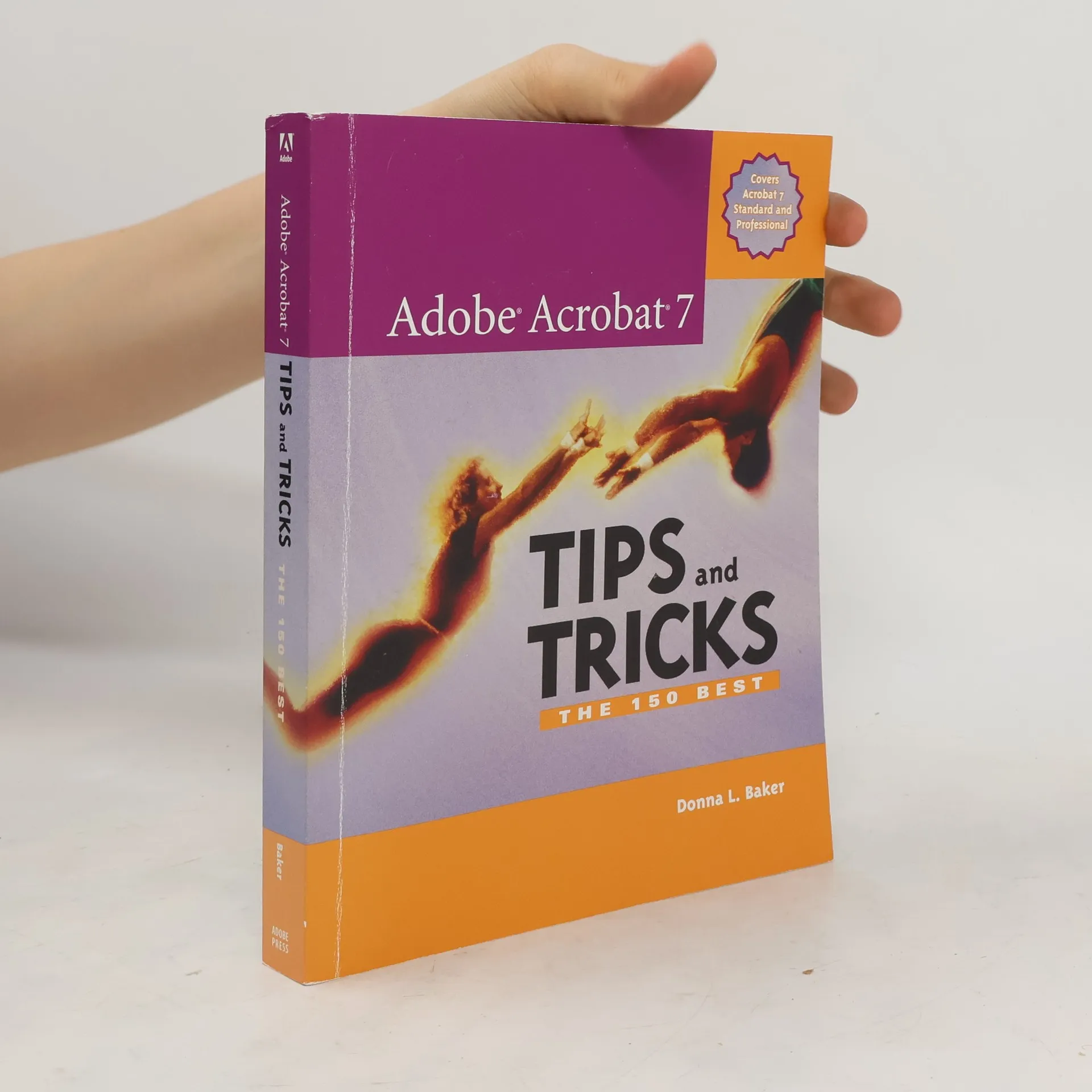
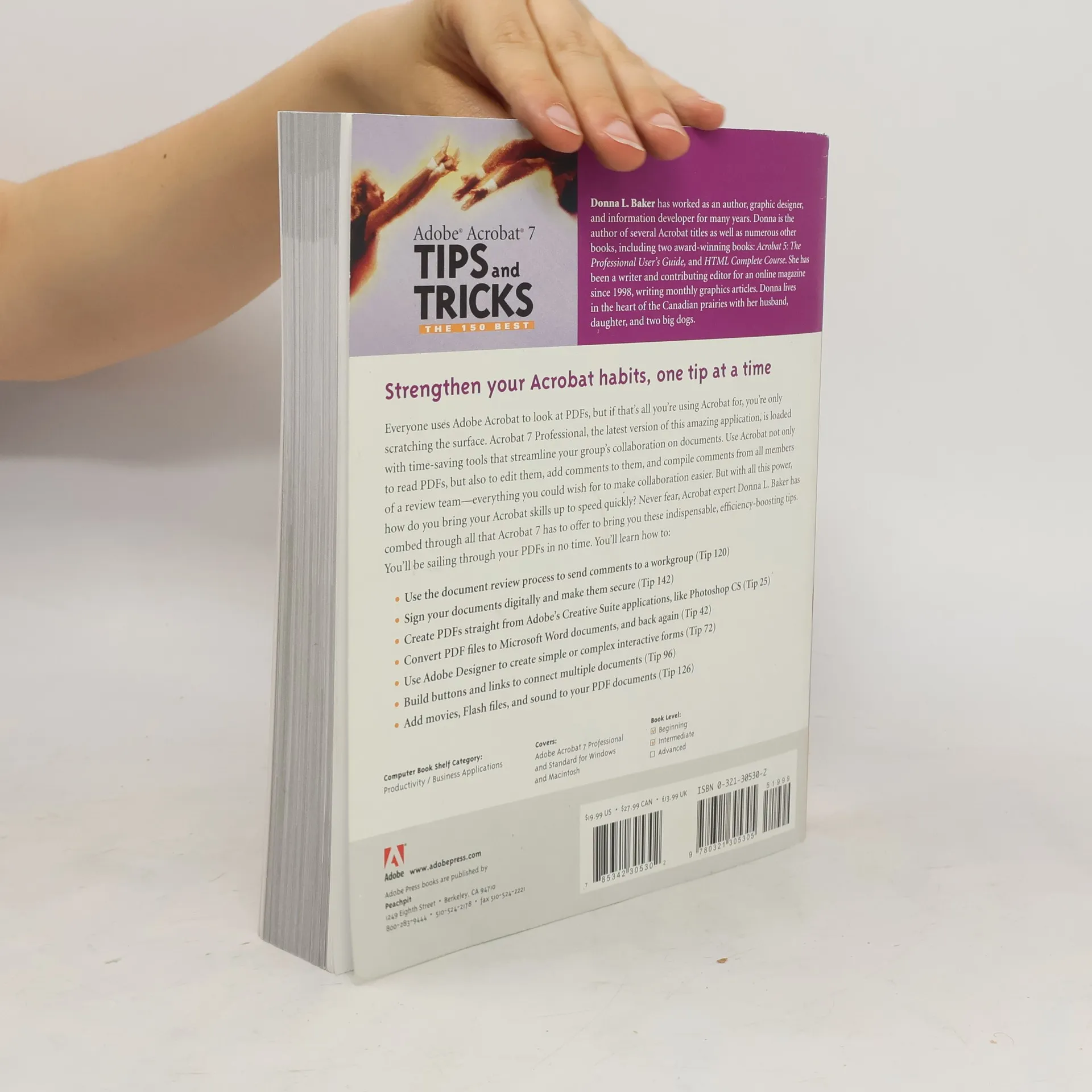
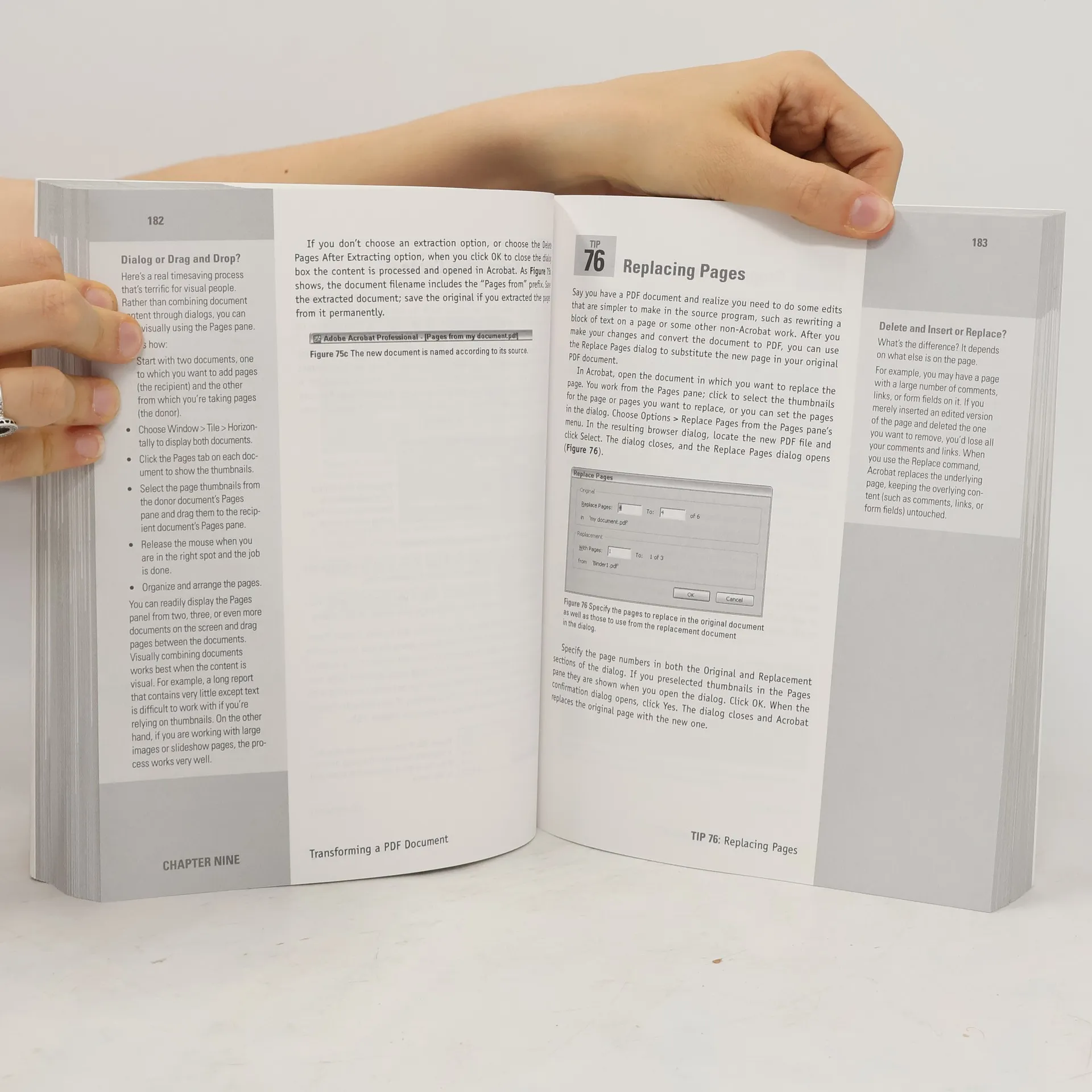
Sure, you know how to read PDFs with it, but do you know how to add comments to documents or embed 3D objects in your PDFs or establish document-level security settings? With its staggering array of document-enhancing features and supported formats, Adobe Acrobat 7 offers a world of functionality just waiting to be tapped--which means that figuring out how to do just one specific task with it can be somewhat daunting. In these pages, veteran authorDonna Bakersolves that problem by presenting each Acrobat task as a stand-alone unit. If, for example, you want to find out how to search for a word or a phrase in a PDF file, you can do just that--at the same time picking up a couple of tips about refining your searches. Organized in three major sections--Input, Output, and Internal Acrobat Processes--this self-contained guide is all you need to get going fast with Acrobat 7.
Zakup książki
Adobe Acrobat 7 Tips and Tricks, Donna L. Baker
- Język

- Rok wydania
- 2005
- Oprawa
- (miękka)
Metody płatności
Brakuje nam tutaj Twojej recenzji.
- Tytuł
- Adobe Acrobat 7 Tips and Tricks
- Podtytuł
- The 150 Best
- Język
- angielski
- Autorzy
- Donna L. Baker
- Wydawca
- Adobe Press
- Rok wydania
- 2005
- Oprawa
- miękka
- Liczba stron
- 418
- ISBN10
- 0321305302
- ISBN13
- 9780321305305
- Seria
- Tagi
- Ocena
- 4 z 5
- Opis
- Sure, you know how to read PDFs with it, but do you know how to add comments to documents or embed 3D objects in your PDFs or establish document-level security settings? With its staggering array of document-enhancing features and supported formats, Adobe Acrobat 7 offers a world of functionality just waiting to be tapped--which means that figuring out how to do just one specific task with it can be somewhat daunting. In these pages, veteran authorDonna Bakersolves that problem by presenting each Acrobat task as a stand-alone unit. If, for example, you want to find out how to search for a word or a phrase in a PDF file, you can do just that--at the same time picking up a couple of tips about refining your searches. Organized in three major sections--Input, Output, and Internal Acrobat Processes--this self-contained guide is all you need to get going fast with Acrobat 7.