

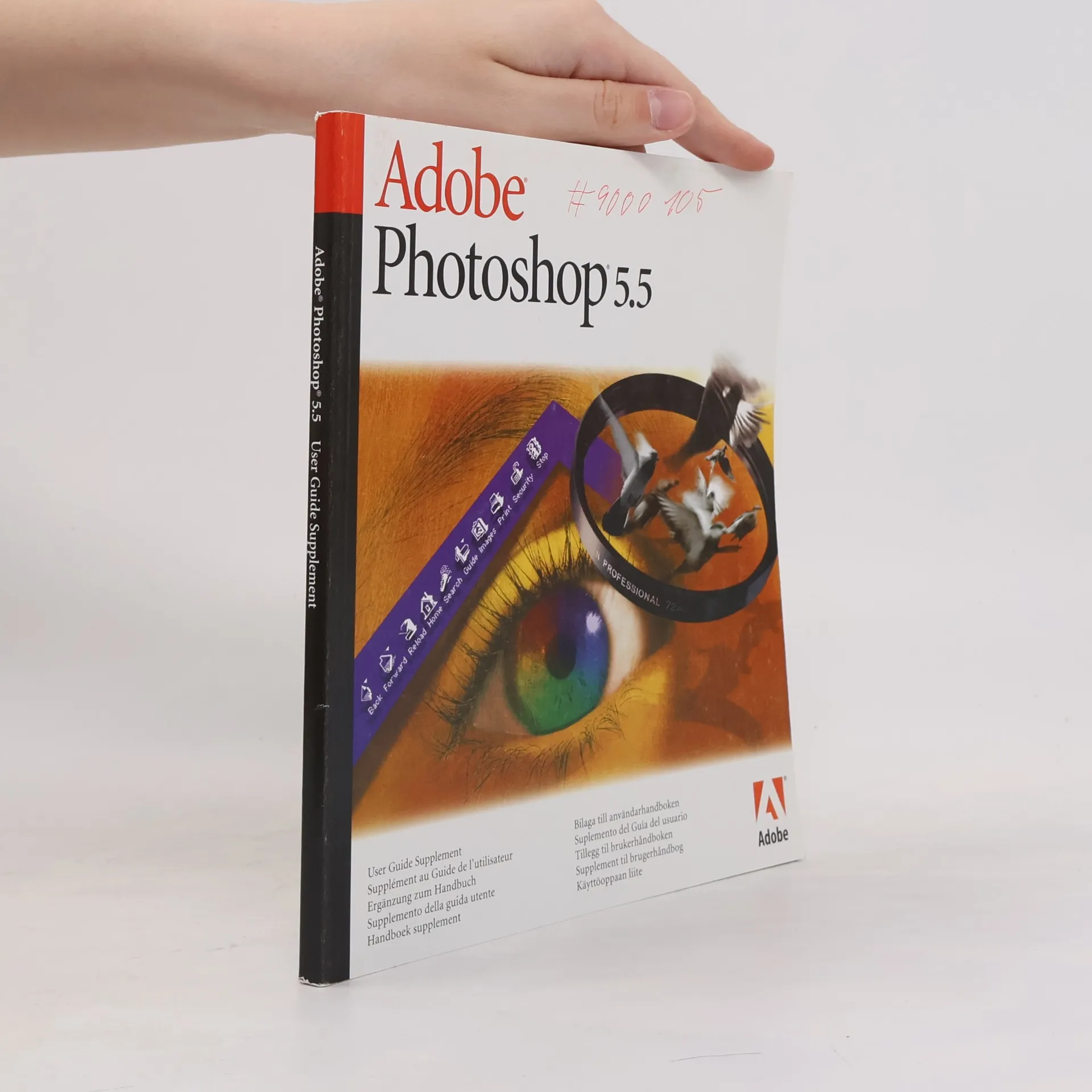
Adobe Photoshop 5.5
Autorzy
- kolektiv
Więcej o książce
Photoshop 5.5, Adobe's powerful image-manipulation tool, continues to set the industry standard. Adobe Photoshop 5.5 Classroom in a Book is a thoroughly revised version of the bestselling tutorial that covers all the new features in Photoshop 5.5(including the History palette and spot color channels), with a new, in-depth chapter on preparing graphics for the Web. Beginning to intermediate users will find the basics covered in the introductory lessons: getting comfortable with the Photoshop interface, using the toolbox and palettes, and working with layers and filters. Using a building-block approach, the Adobe Development Team then leads you into the more complex tasks of image editing and photo retouching. Production issues, color management, working with other Adobe applications in the Photoshop environment, and the new Web material are covered in short, focused lessons that you can follow at your own pace on your way to Photoshop mastery.
Zakup książki
Adobe Photoshop 5.5, kolektiv
- Język

- Rok wydania
- 1999
- Oprawa
- (miękka)
Metody płatności
Nikt jeszcze nie ocenił.
- Tytuł
- Adobe Photoshop 5.5
- Język
- angielski
- Autorzy
- kolektiv
- Wydawca
- Adobe Press
- Rok wydania
- 1999
- Oprawa
- miękka
- Seria
- Opis
- Photoshop 5.5, Adobe's powerful image-manipulation tool, continues to set the industry standard. Adobe Photoshop 5.5 Classroom in a Book is a thoroughly revised version of the bestselling tutorial that covers all the new features in Photoshop 5.5(including the History palette and spot color channels), with a new, in-depth chapter on preparing graphics for the Web. Beginning to intermediate users will find the basics covered in the introductory lessons: getting comfortable with the Photoshop interface, using the toolbox and palettes, and working with layers and filters. Using a building-block approach, the Adobe Development Team then leads you into the more complex tasks of image editing and photo retouching. Production issues, color management, working with other Adobe applications in the Photoshop environment, and the new Web material are covered in short, focused lessons that you can follow at your own pace on your way to Photoshop mastery.